· 5 min read
Text-to-Speech and Dyslexia Fonts: What Helps
What research says about read-aloud tools and dyslexia-friendly fonts, and how to offer reading supports learners can choose for themselves.
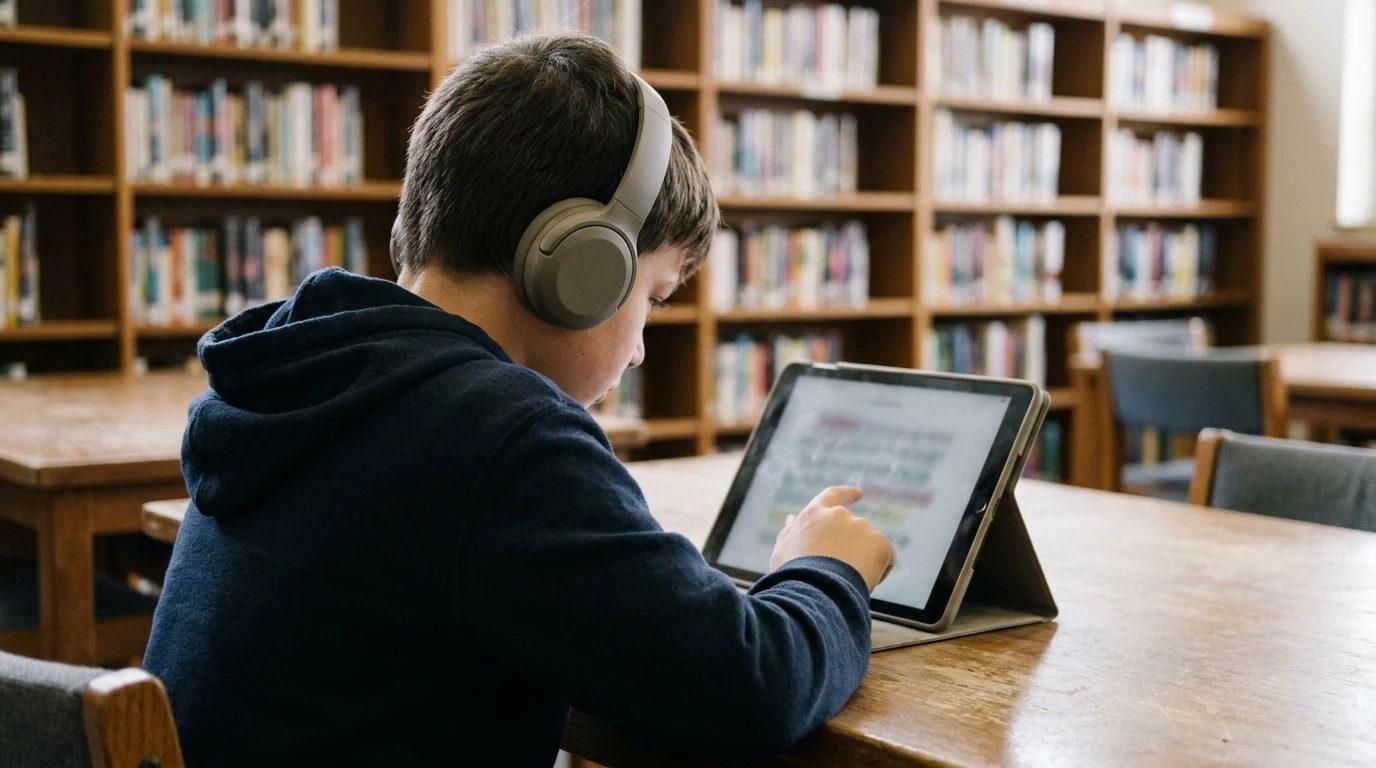
Some learners can explain a story's turning point in class discussion, then stall when asked to read the same chapter alone. The ideas are within their reach, but decoding the print takes so much effort that little attention is left for meaning.
Reading supports try to lower that load. Some have good evidence behind them and some are more popular than proven, so it's worth knowing which is which before recommending one.
What text-to-speech does well
Text-to-speech splits reading into two jobs: turning print into words, and understanding what the words mean. When software handles the first job, a learner can put their attention on the second.
A meta-analysis by Wood and colleagues looked at text-to-speech and other read-aloud tools for learners with reading disabilities and found a modest positive effect on reading comprehension. Read-aloud can open up content that learners understand when they hear it, while they keep working on decoding.
Listening while following the text on screen keeps the learner connected to the printed words, which is usually better than listening alone.
What it doesn't replace
A learner who listens to every assignment still needs direct, systematic decoding and fluency instruction from someone who knows where their reading breaks down. Read-aloud keeps a reading difficulty from blocking access to science, history, or math, while reading instruction works on the difficulty itself, including word-level strategies such as using context clues. Learners who need both should get both.
What the research says about dyslexia fonts
Fonts such as OpenDyslexic and Dyslexie use heavier letter bottoms and more distinct letter shapes, and learners often ask about them.
So far, studies haven't found a performance benefit. Wery and Diliberto found that OpenDyslexic did not improve reading rate or accuracy for learners with dyslexia compared with standard fonts. Kuster and colleagues found that the Dyslexie font did not help children with or without dyslexia read better.
Spacing may matter more than letter shape. Zorzi and colleagues found that extra-large letter spacing improved reading speed and accuracy for children with dyslexia.
That's no reason to refuse a learner who prefers a dyslexia font. Comfort affects how long someone keeps reading, and a font costs nothing to try. Treat it as a preference rather than a treatment, and don't let it stand in for support with stronger evidence.
Offer options and look at the work
CAST's Universal Design for Learning guidelines encourage giving learners more than one way to take in information, such as text they can hear as well as read and displays they can adjust. Supports work best when learners can switch them on, try them, and switch them off again.
A few ways to put that into practice:
- Show the options to the whole group, not only learners with a diagnosis. Plenty of learners benefit from hearing a dense passage, and nobody gets singled out.
- Ask learners to try a support for a week of regular work.
- Judge by the work as well as the preference. Are answers more complete? Are learners finishing passages they used to abandon?
- Keep what helps, drop what doesn't, and check again when the reading gets harder.
Motion matters too
Animated transitions and moving backgrounds pull attention away from text, and for some learners they cause real discomfort. Most devices have a reduced-motion setting that learning tools should respect. Tools should also offer their own switch, because learners on shared or school-managed devices often can't change system settings.
Reading supports in PushPad
Every section of a PushPad lesson pad has Read aloud. It uses the voices built into the learner's browser, so there's nothing to install, and learners can choose a voice. The most natural-sounding voices are usually in Microsoft Edge.
In Settings, learners can turn on the OpenDyslexic font and reduced motion, and PushPad also follows the device's own reduced-motion setting. These options are open to every learner and don't label anyone.
In most browsers, this article has a Listen button near the top if you'd like to try read-aloud yourself.
Common questions
Is text-to-speech an accommodation or a modification?
Text-to-speech is usually treated as an accommodation: it changes how a learner accesses text, not what they're expected to learn. Some assessments that measure reading itself don't allow read-aloud, so check the rules for each test.
What is the difference between text-to-speech and an audiobook?
An audiobook is a human-narrated recording of a specific book. Text-to-speech reads any digital text aloud with a synthetic voice, including worksheets, assignments, and web pages, and it can usually be paused, replayed, or slowed down. Audiobooks suit longer reading for enjoyment, while text-to-speech gives access to whatever text a learner has been assigned.
Research behind this article
- Wood, Moxley, Tighe, and Wagner: Text-to-speech and read-aloud tools and reading comprehension, 2018. A meta-analysis of read-aloud tools for learners with reading disabilities.
- Wery and Diliberto: The OpenDyslexic font and reading rate and accuracy, 2017. A study comparing OpenDyslexic with standard fonts.
- Kuster, van Weerdenburg, Gompel, and Bosman: The Dyslexie font and reading, 2018. A study of the Dyslexie font with children with and without dyslexia.
- Zorzi and colleagues: Extra-large letter spacing and reading in dyslexia, 2012. A study of letter spacing and reading speed and accuracy.
- CAST: Universal Design for Learning guidelines. A framework for offering multiple ways to engage with, take in, and express learning.
Put this into practice with lesson pads you control.